Coding
CodeGuppy
Browser-based programming activities where learners write JavaScript to build small interactive projects and creative coding exercises.
- Ages Middle and high school students (editorial estimate)
- Creative coding
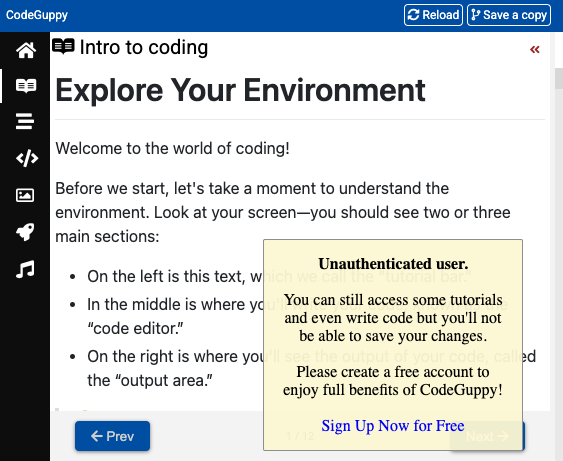
What kids actually do
Learners open coding lessons and projects in the browser and write JavaScript to create or modify interactive sketches and games.
Activities combine instructions with an editor so children can see how code changes what happens on screen.
We reviewed the public website and lesson structure; we have not completed every lesson path or verified all account-related flows.
What kids can learn
These are learning areas the project is designed to support—not guaranteed outcomes.
- Programming fundamentals with JavaScript
- Computational thinking and logical reasoning
- Creative problem-solving through code
- Building confidence with text-based programming
Why it's interesting
Text-based coding can feel intimidating at first. CodeGuppy offers a structured path in the browser—helpful for teens who have outgrown block-based tools but are not ready for a full professional IDE.
What parents should know
Better suited to older children or those ready for typed code rather than drag-and-drop blocks. It is more structured than an open-ended AI-generated game. Preview sign-up or save features on the site if your child will use it regularly—we did not confirm every account option during our review.